Keep everything in order
Gather a handful of windows into a named group — line them up, space them evenly, fullscreen one within the group, or collapse the whole bunch down to its name. And nothing gets lost: when an app closes or crashes, Nourish leaves a placeholder right where it was, and one tap brings it back — same spot, same size. Your whole layout is saved to disk, so it survives a reboot too.
The world picker
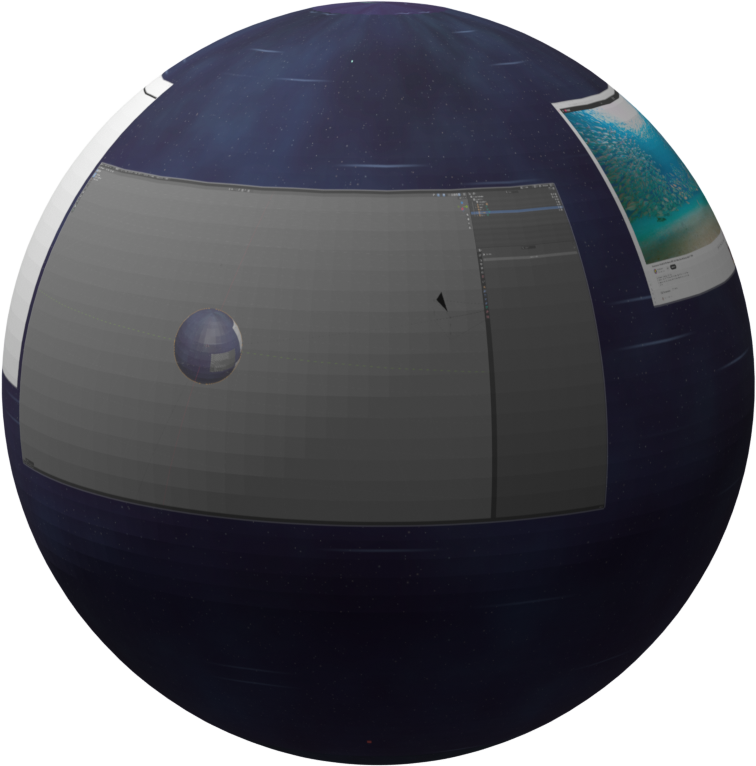
Keep separate canvases for separate jobs. A keyboard shortcut raises a gentle 3D picker with every world shown as a tile — fly into any one, and each keeps its own windows and remembers itself between sessions.
Capture anything
Screenshot or record a window, a region of the canvas that follows your pan and zoom, or the whole screen. Save a crisp PNG or a hardware-encoded H.264 video — even with a transparent background for clean overlays.
Featuring
One endless canvas
Glide across all your work instead of digging through stacks.
Pin-sharp zoom
Zoom into any window — video stays crisp, text stays readable.
Many worlds
Keep separate canvases for separate jobs. Switch with one key.
Picks up where you left off
Your layout is saved to disk — it survives crashes and reboots.
Capture anything
Screenshot or record your screen, a window, or any framing — even see-through.
A living backdrop
A gentle parallax scene drifts behind your work as you move.
Open anything fast
A built-in launcher finds and starts your apps from the keyboard.
A beautiful lock screen
A clean, beautiful lock screen.
MX Master gestures
Hold the gesture button, flick in any direction, and fly across the canvas.
Shortcuts that just work
A small set of keys covers everything, comfortably — no setup needed.
One-command install
A single line and you're in — Fedora 44 recommended. The guide holds your hand.
Built for games
Uncapped frame pacing kicks in by itself the moment you're in a game, then steps back out when you're done. Prefer to decide yourself? Turn it on and leave it on.
Any graphics card
NVIDIA, Intel, or AMD — Nourish speaks to all of them.
Stable Vulkan renderer
Drawn on Vulkan, today's GPU standard — with a GLES fallback for older hardware.
Modern to the core
Built natively on Wayland, today's display standard — and older X11 apps run too.
Free, forever
Open source under MIT / Apache-2.0. No account, no ads, no strings.
And more…
Zones, window navigation, personalization — and plenty more arriving in every release.
Ready to try it?
Nourish runs on Linux — the free operating system family — and ships today as a one-command install. Fedora 44 is the recommended version, with Debian, Ubuntu and Arch supported too, on NVIDIA, Intel and AMD graphics, and on both Intel/AMD and ARM machines — including the Raspberry Pi. New to Linux? The guide walks you through it from zero.